

Beat Makers
Give your beats a signature sound nobody else has.
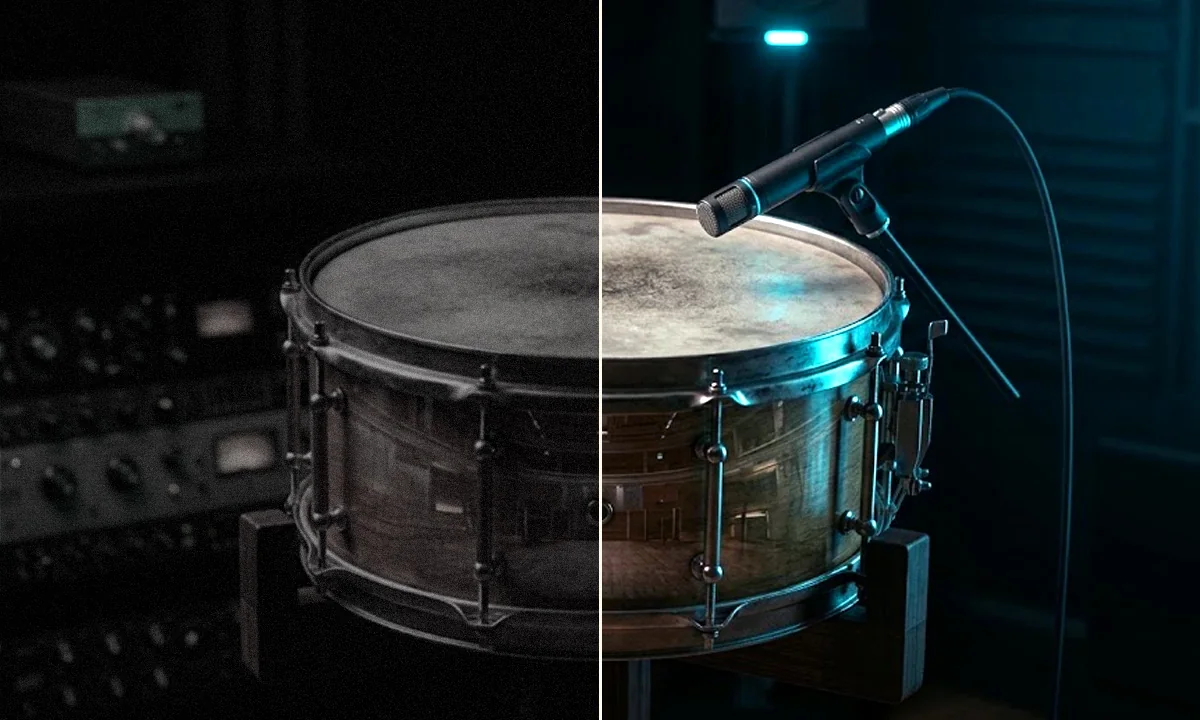
Overlay uses convolution and a great variety of files as impulse responses to bring your sounds to life — like looking through a glass, or using an Instagram filter on your music.
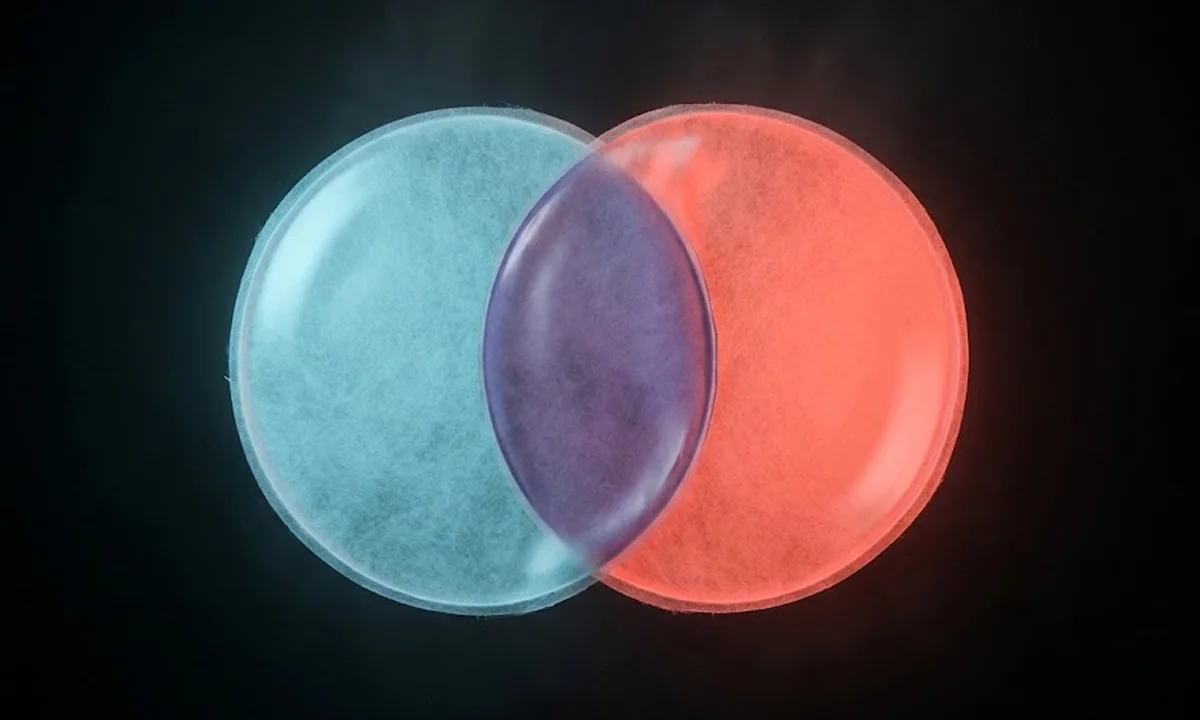
Overlay uses convolution in a completely new and creative way. Using a wide range of impulse responses, it reshapes your source into unexpected textures, movement, and entirely new sonic territory. Rather than simply layering another sound on top of your signal, Overlay uses the impulse to transform what you feed into it in surprising and inspiring ways. And bear in mind: Overlay is not a sampler. It never simply plays back or triggers the impulse files on their own. Everything you hear is the result of convolution between the impulse and your incoming signal, meaning every sound you put into Overlay can lead somewhere completely different.
Px ∗ Py = Px+y
Overlay is first and foremost a creative plugin, which makes it particularly suitable for producers and sound designers. But it can also be used in a more subtle way in mix situations, to add space, depth, or movement. You can either be really soft or go completely nuts.
Give your beats a signature sound nobody else has.

Turn any recording into a texture you have never heard before.

Give your tracks a sonic signature no preset can match.

Emulate spaces, guitar amps, microphones, and spice up any sound.
Since a good example is better than a long explanation, we’ve made some use-case scenarios. Pick one, press play, and switch Overlay on and off to hear what it adds.
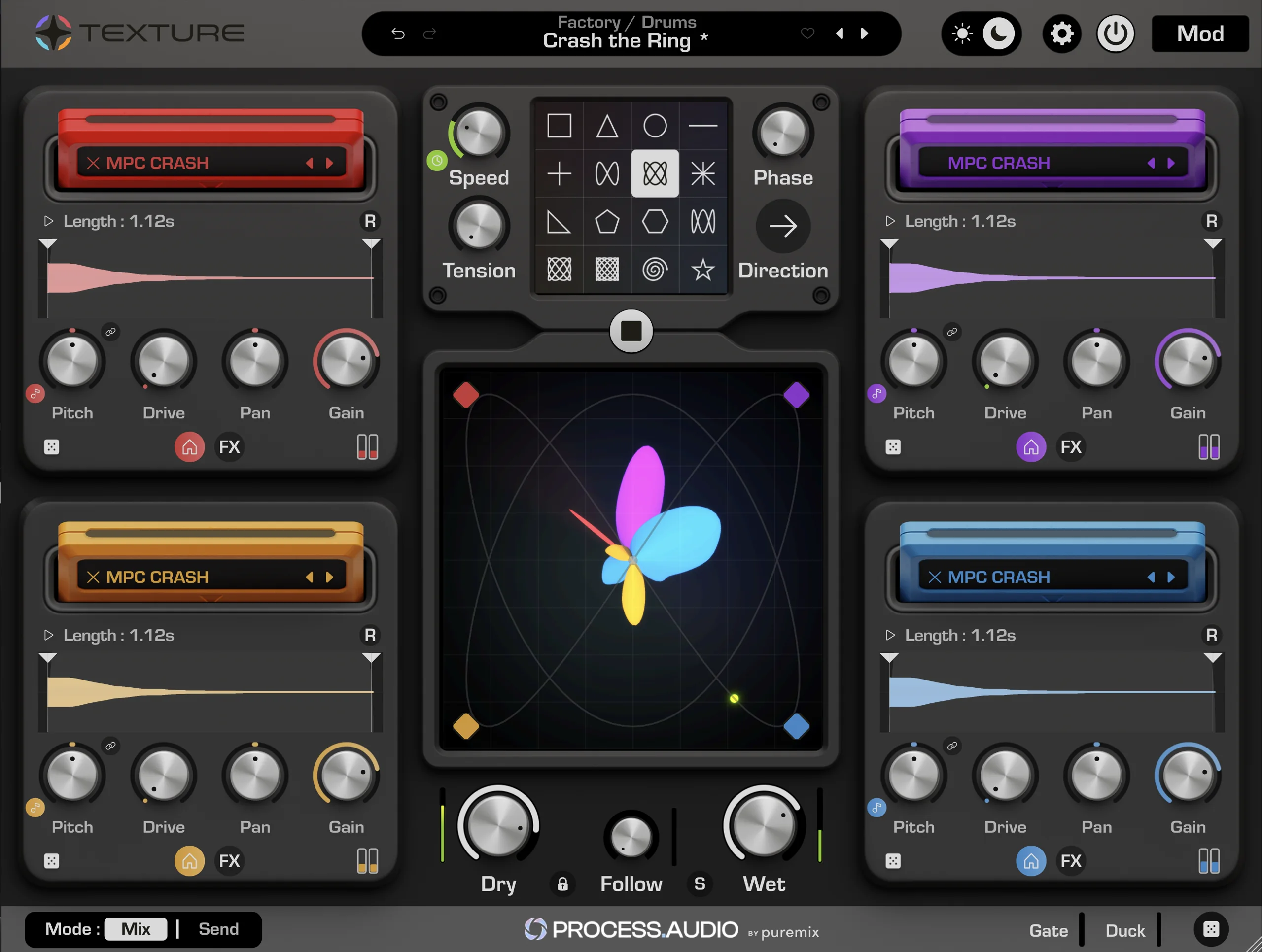
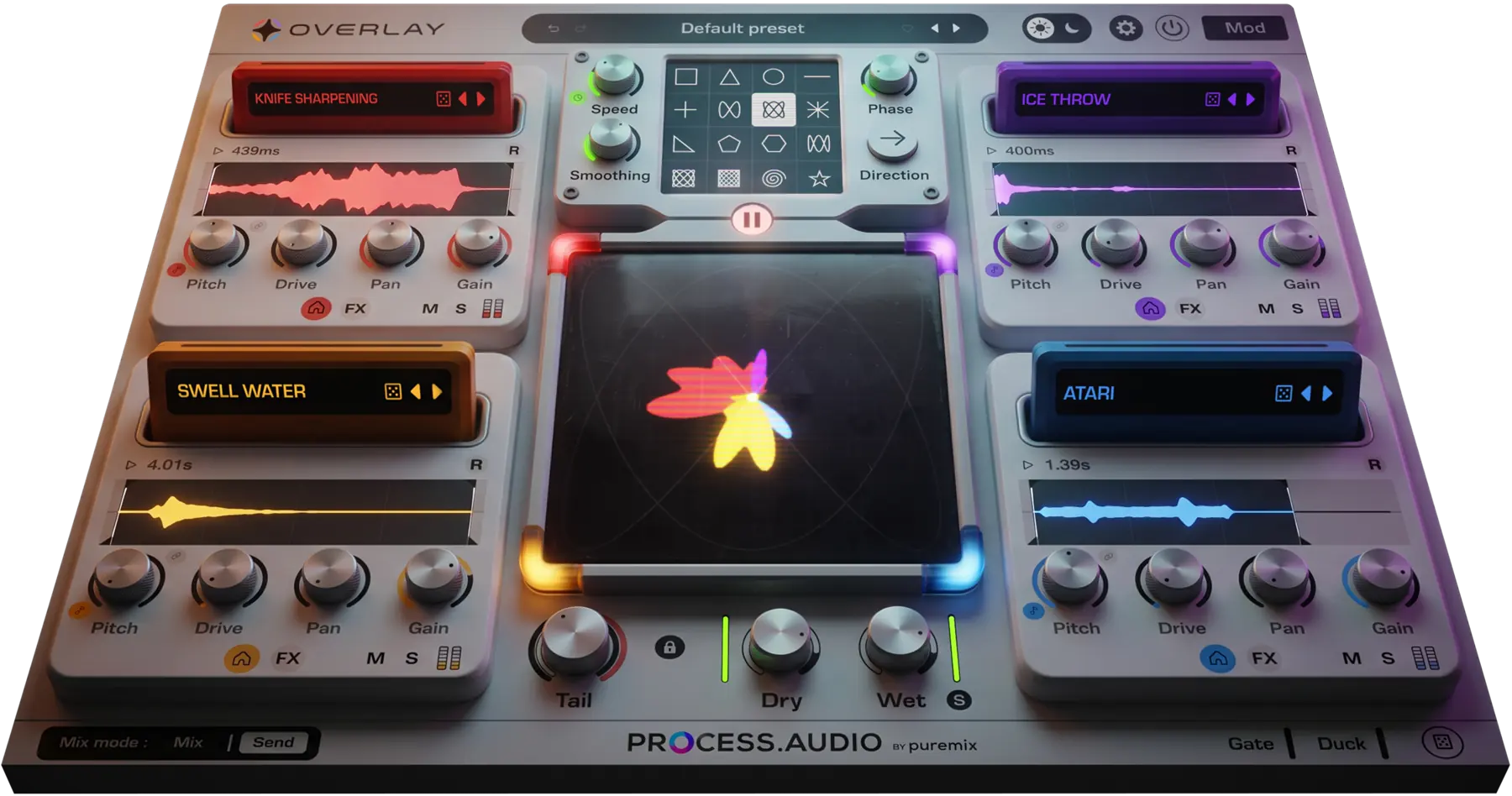
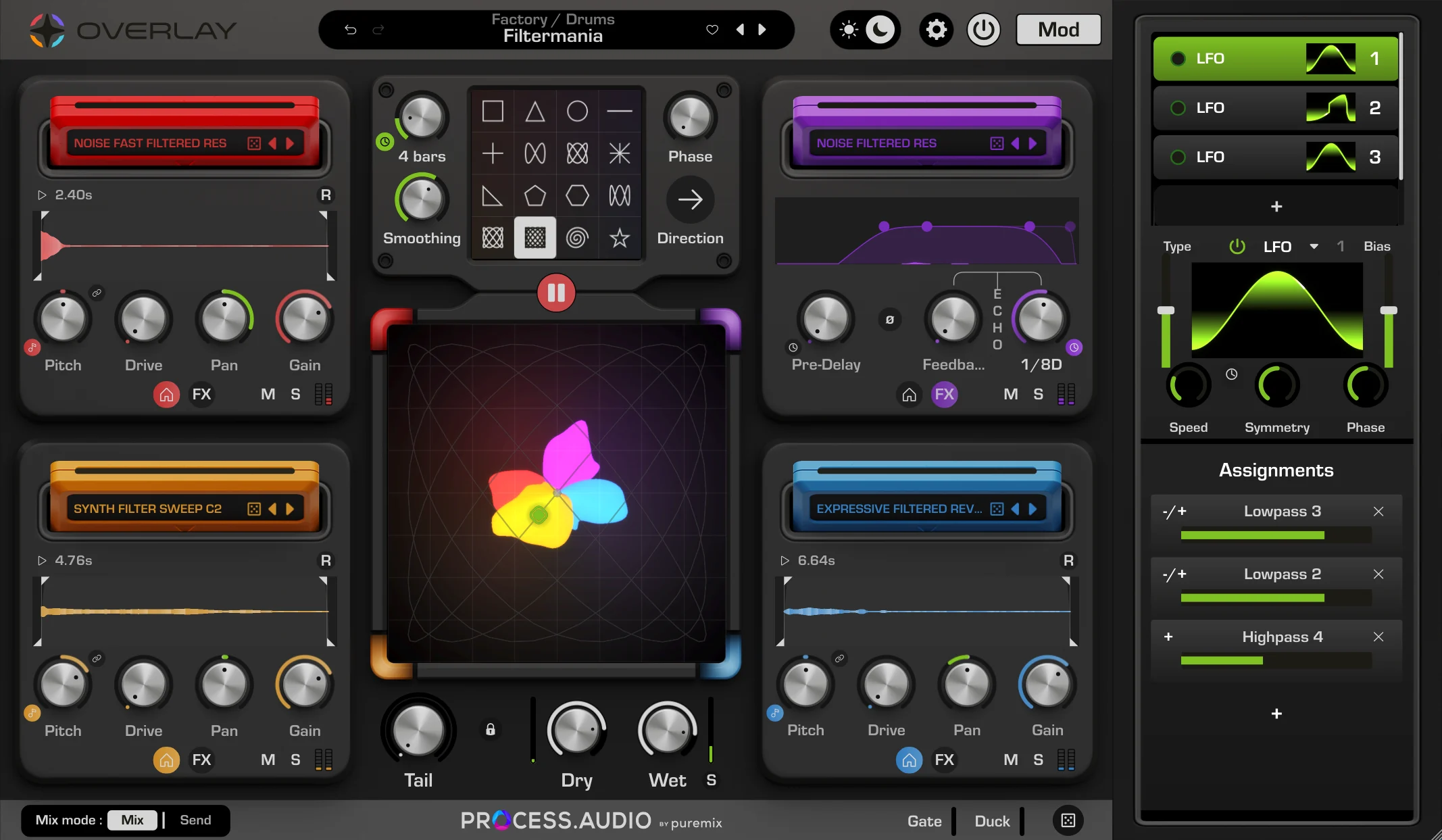
Overlay comes with four layers of convolution, each represented by a color. Each layer features an impulse picker with advanced controls and a set of effects to tune it the way you want. At the center, an XY pad allows you to mix between the four layers, and an advanced animation panel lets you easily create movement in a matter of seconds. A dedicated modulation panel with up to 10 modulators and four modulation types lets you modulate almost any parameter. Additionally, a gate and a duck are available to tweak the input and output signals for specific uses.
Full demos and creative tips to get the most out of Overlay.


Overlay is built for the moments when a sound needs to become something nobody has heard before.


I use Overlay on bass, synths, drums, guitars, strings… pretty much everything! You can really push the sound in all kinds of directions. It’s a very creative and fun tool, whether you’re doing full-on sound design or something much more subtle.


Overlay has become a truly unique plugin in my toolbox, doing everything from injecting life into tired, old loops, to sparking completely new ideas in the production process.

Overlay is a powerful tool for producers. It gives me an instant creative spark, and I'm always surprised and inspired by what comes out of it.


Overlay has become a core tool to shape the soundscapes for the games I work on. I keep all the Terraformers in my template, ready to turn any musical phrase into a soundtrack signature.
We had fun creating this plugin, and we carefully picked and created sounds that work well as impulse responses. Alongside this library, we created, with the help of the community, a great set of inspiring presets to get you started. Of course, you can still use your own samples and sounds as impulses and build your own bank of impulses and presets.
Try the full plugin free for 30 days. Love it? A lifetime license is $149, with the 100+ sounds and presets, on macOS & Windows.
No credit card for the trial · VST3 · AU · AAX